TABLE OF CONTENTS
- Why use SchedEx?
- How does SchedEx work?
- The SchedEx ISO Standard
- SchedEx Exchange Agreements (EAs)
- The transfer configuration
- How to get started?
- Suggested further readings on introductory topics
SchedEx (formerly called "ILAP Data Exchange") is a service that enables exchanges of schedule data within or between organizations and across different scheduling systems. The service paves the way to a world of interoperable scheduling data.
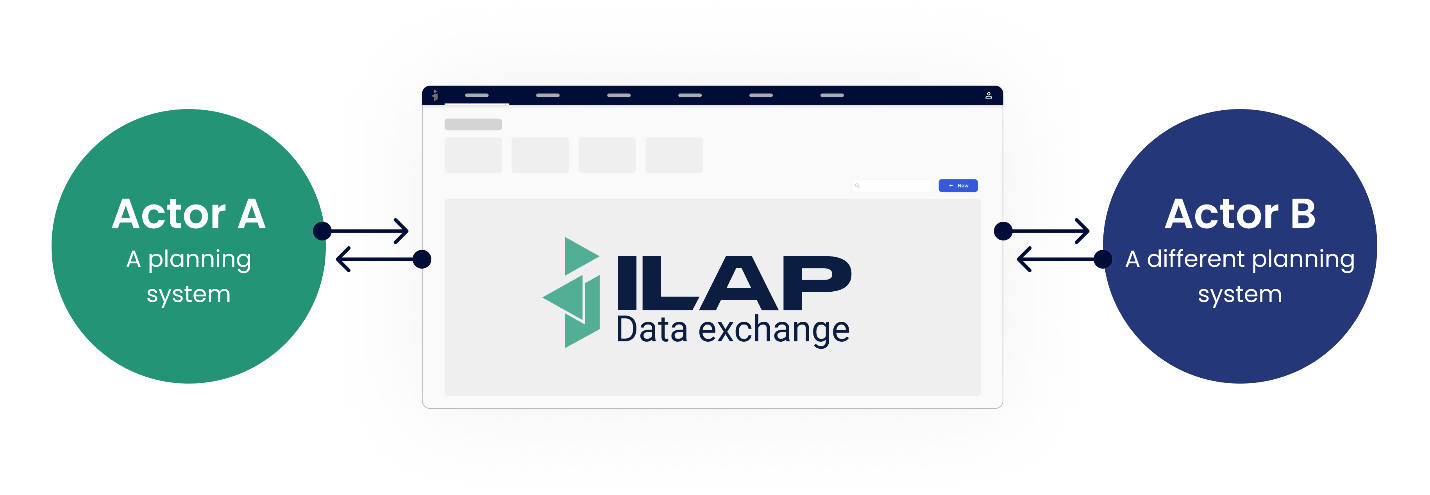
Conceptual visualization of SchedEx as the link between actors and across planning systems.
Why use SchedEx?
Today, many different planning softwares are being used, even by companies that work closely together. Shedule data is not compatible between the different softwares, making their exchange a manual intensive and error-prone process.
SchedEx is the first software to automate schedule data exchange across scheduling systems. This not only improves efficiency and quality of the data exchange, but it also opens the doors for large-scale data analysis and optimization (using tools such as Schedule Analytics).
How does SchedEx work?
To understand how SchedEx works, you need to understand a few core concepts. These are listed below with a short explanation.
The SchedEx ISO Standard
At the center of SchedEx you will find the Schedule Data Ontology (SDO) ISO standard (ISO 23726-100). It specifies an ontology for representing schedule data, usable across any industry having such data. In addition, it specifies a file schema, derived from the ontology, for exchange of data.
The previous version of the ontology was called ISO 15926-13.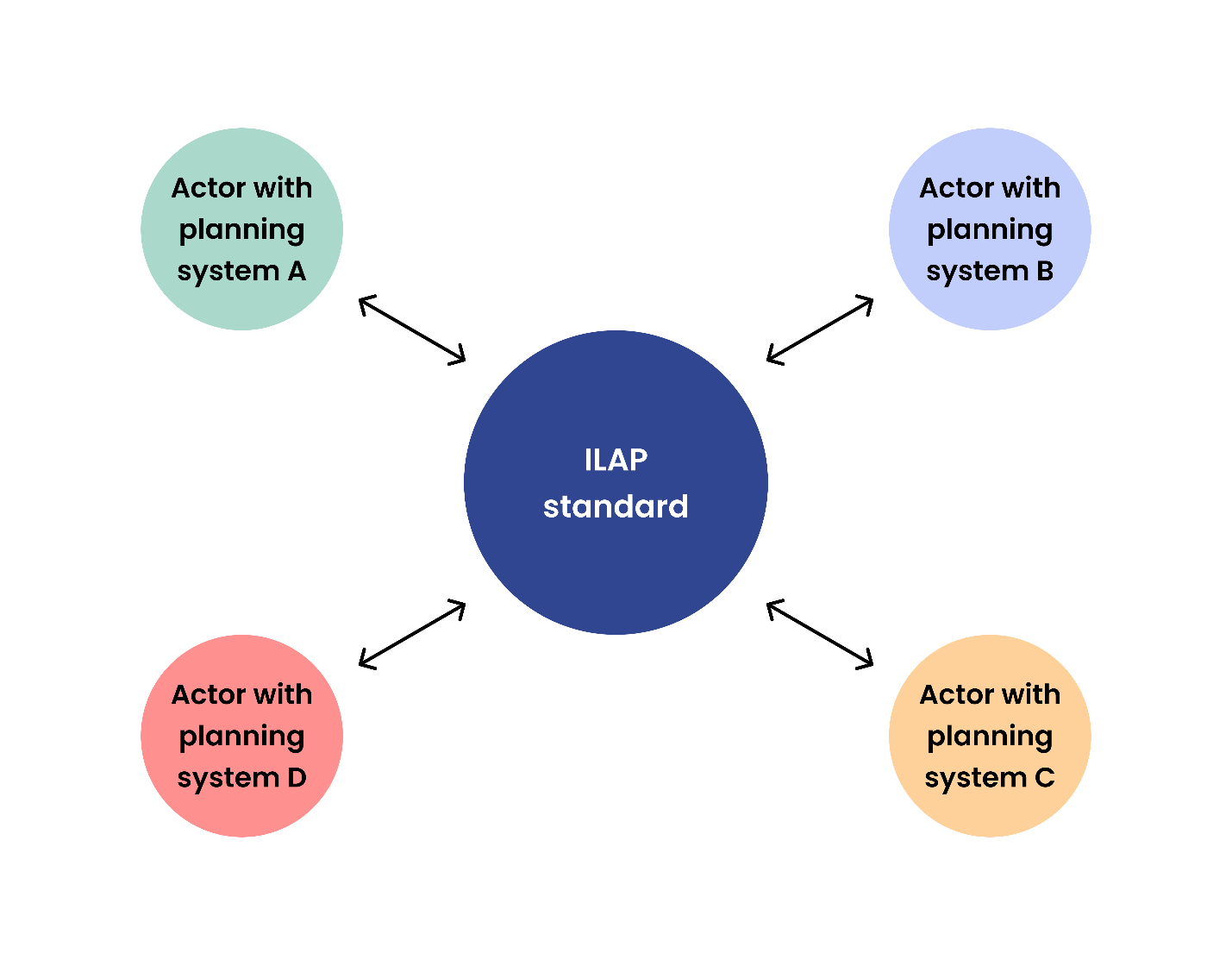
Conceptual visualization of how data becomes interoperable when actors with different planning systems relate their data to the SDO ISO standard.
SchedEx Exchange Agreements (EAs)
EAs are agreements between actors that are typically created at the beginning of a project. At the core, an EA is the definition of what data is to be transferred, when and between which parties. This needs to be defined once, after which transfer events will be created at the desired intervals (or triggered manually).
The transfer configuration
Behind the EAs, there is a more complicated configuration that makes the transfers possible. This configuration is managed by Setup users. All that regular users need to know is that Setup users can create Templates (read more about template here), Connectors (read more about connectors here) and Configs (more about configs here). With these three elements in place, all regular users can easily start exchanging data.
How to get started?
Which of these 4 choices best describe your situation ("I want to..."):
- Execute schedule transfers which have already been set up
- Set up SchedEx so that planners can upload schedules
- Sign up to SchedEx on behalf of my company and transfer schedule(s)
- Set up SchedEx so that planners can receive schedules from planners elsewhere
...or you may want to read more here on general instructions for how to set up a transfer in SchedEx.
Suggested further readings on introductory topics
Understand the concept of EAs
Understand the basic terms used in this document in Glossary
Was this article helpful?
That’s Great!
Thank you for your feedback
Sorry! We couldn't be helpful
Thank you for your feedback
Feedback sent
We appreciate your effort and will try to fix the article